

Start Guide
Welcome to Paydough! This guide will help you get started quickly and show you how to make the most of our platform.
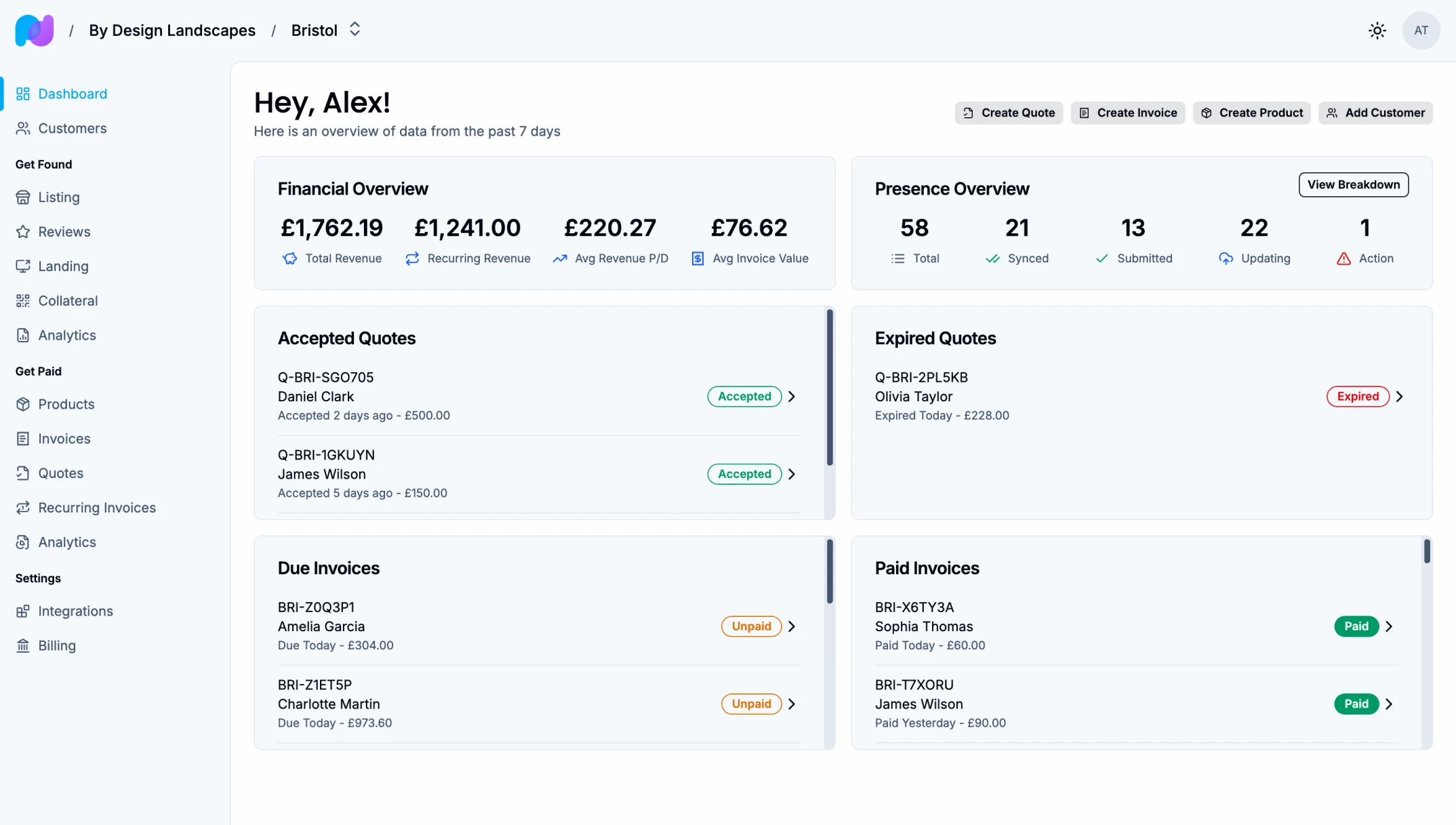
What is Paydough?
Paydough is a comprehensive business management platform designed for service-based businesses with one or multiple locations. It helps you:
- Create and send professional invoices and quotes
- Collect payments
- Manage recurring billing
- Track revenue and financial metrics
- Manage your online presence across Google, Facebook, etc.
- Monitor and respond to customer reviews
Start Guide Overview
1. Set up your organization and location
Set up your organization account and add your first location. See the Conceptual Model to understand how Paydough organizes your business data.
- Organization: Your top-level account containing all locations and employees
- Locations: Navigate to Organization → Locations → Create Location to add each business site
- Employees: Navigate to Organization → Employees to invite team members
2. Set up your product catalogue
Navigate to Location → Products → Create Product to add products or services you offer. Learn more in the Products guide.
- Define pricing for each product
- Set VAT rates if applicable
- Add product descriptions
- Track inventory for applicable products
3. Connect payment processing
Navigate to Location → Settings → Integrations to link your Stripe account. See Conceptual Model - Payment Processing to understand how payments work.
4. Connect your online directories
Navigate to Location → Settings → Integrations to link your Google and Facebook profiles. See the Listings guide for detailed setup instructions.
- Publish your business information across 50+ directories
- Keep your listings up-to-date automatically
- Monitor and respond to customer reviews
- Track your online visibility
Your First Invoice
The fastest way to start using Paydough is to create your first invoice:
- Navigate to Invoices → Create Invoice
- Add customer information
- Add line items with your products or services
- Set the due date
- Send the invoice to your customer
Customers will receive an email with a link to view and pay the invoice online.
Your First Quote
Send a professional quote that converts to an invoice when accepted:
- Navigate to Quotes → Create Quote
- Add customer information
- Add line items with your products or services
- Set an expiration date (default is 30 days)
- Send the quote to your customer
When your customer accepts the quote, Paydough automatically creates an invoice for you.
Documentation Guide
Recommended Reading Path
New to Paydough? Start here to understand the fundamentals:
- Conceptual Model - Understand how Paydough organizes your data
- Products - Set up your product and service catalogue
Then choose your path based on your needs:
Get Found
- Listings - Manage your business across 50+ online directories
- Reviews - Monitor and respond to customer reviews
- Presence Analytics - Track visibility, ratings, and engagement
Get Paid
- Invoices - Create and send one-time invoices
- Quotes - Send proposals that convert to invoices
- Recurring Invoices - Automate subscription and recurring billing
- Financial Analytics - Track revenue, cash flow, and collections
Scale
- Multi-Location Management - Coordinate operations across multiple locations